
Creating a cozy and organized home workspace is essential for staying productive and feeling comfortable during your workday. Whether you work remotely, freelancing, or just need a dedicated spot for managing household paperwork, a well-designed workspace can make a big difference. This guide offers practical tips to help you build the perfect home office that combines comfort with efficiency.
Why a Cozy and Organized Workspace Matters
A workspace that’s both cozy and organized helps reduce stress, improves focus, and encourages good work habits. When your environment feels inviting and clutter-free, you’re more likely to enjoy your work and be productive. On the other hand, a disorganized area can cause distractions and make tasks feel overwhelming.
Choosing the Right Location
Consider Natural Light
Select a spot with plenty of natural light if possible. Sunlight helps improve mood and can reduce eye strain. Position your desk near a window, but avoid glare on your computer screen by using blinds or curtains.
Minimize Noise and Distractions
Pick a quiet corner or room where interruptions are minimal. If you can’t avoid noise, consider noise-cancelling headphones or white noise machines to help concentrate.
Designing a Comfortable Workspace
Invest in an Ergonomic Chair
Comfort starts with a good chair. Choose one that supports your back, promotes good posture, and is adjustable. Sitting comfortably reduces fatigue and the risk of aches.
Use a Proper Desk
The desk should have enough surface space for your computer, documents, and other essentials without feeling cramped. Adjustable desks or standing desks can offer flexibility and improve comfort.
Add Personal Touches
Incorporate colors, plants, or artwork you enjoy. These additions can make your workspace feel inviting and help you stay motivated. A small plant, for example, can boost air quality and add a splash of natural color.
Organizing Your Workspace
Declutter Regularly
Keep only what you need on your desk. Too many items create visual clutter and can distract you. At the end of each day, take a few minutes to tidy your area.
Use Storage Solutions
Use drawer organizers, shelves, and containers to keep supplies, cords, and paperwork neatly in place. Label bins or folders to quickly find what you need.
Manage Cables
Messy cables can make your desk look chaotic. Use cable clips, ties, or sleeves to bundle cords together and keep them out of sight.
Enhancing Lighting
Layer Your Lighting
Rely on a combination of overhead lights, desk lamps, and natural light to reduce eye strain. Adjustable lamps let you control brightness and focus light where it’s needed most.
Choose Warm Light Bulbs
Warm or soft white bulbs create a cozy atmosphere that feels inviting and reduces glare, which can be tiring during long work hours.
Creating a Routine-Friendly Environment
Keep Essentials Within Reach
Arrange your workspace so frequently used items are easy to access. This reduces interruptions and supports a steady workflow.
Incorporate Break Areas
If space allows, add a small area for stretching, reading, or relaxing. Taking short breaks away from your desk helps refresh your mind and body.
Personalize Your Schedule
Design your workspace to complement your daily routine. For example, if you enjoy a cup of tea while working, ensure there’s a spot nearby for a small kettle or a coaster.
Maintaining Your Workspace
Set a Weekly Cleaning Schedule
Keep your area dust-free and clean. A tidy space helps maintain your motivation and ensures your equipment lasts longer.
Update As Needed
Periodically reassess your workspace layout and supplies. As your work habits change, updating your setup keeps your workspace functional and enjoyable.
Final Thoughts
Creating a cozy and organized home workspace is about balancing comfort with functionality. With thoughtful choices in location, furniture, lighting, and organization, your home office can become a place where you look forward to working. Start small with changes that fit your style and needs, and enjoy the benefits of a workspace designed to support your best work.
Related Posts
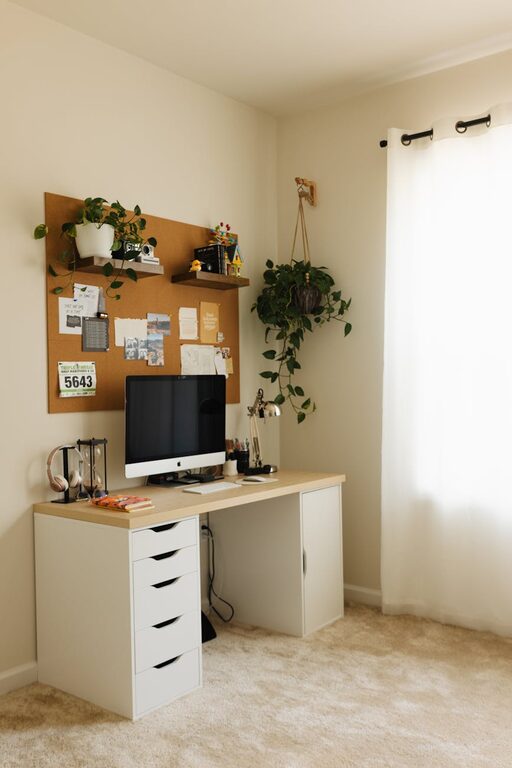
Tips for Creating a Productive Home Office Environment
Creating a productive home office environment can make a significant…
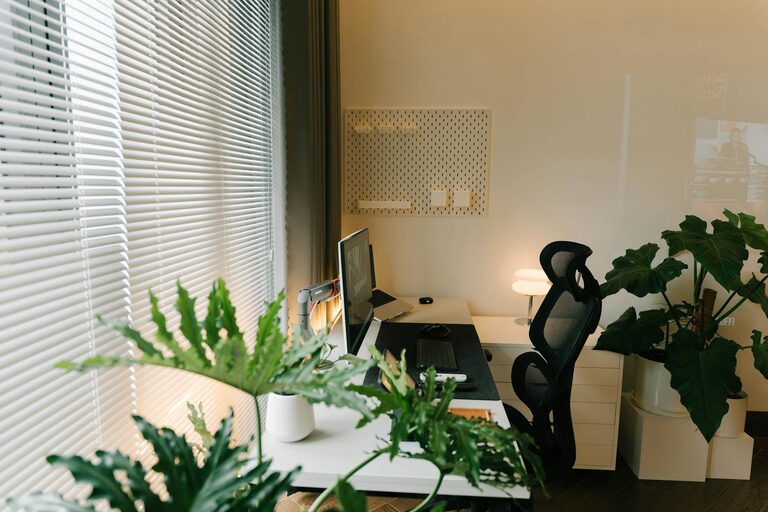
Tips for Creating an Organized and Efficient Home Workspace
Creating an organized and efficient home workspace is essential for…
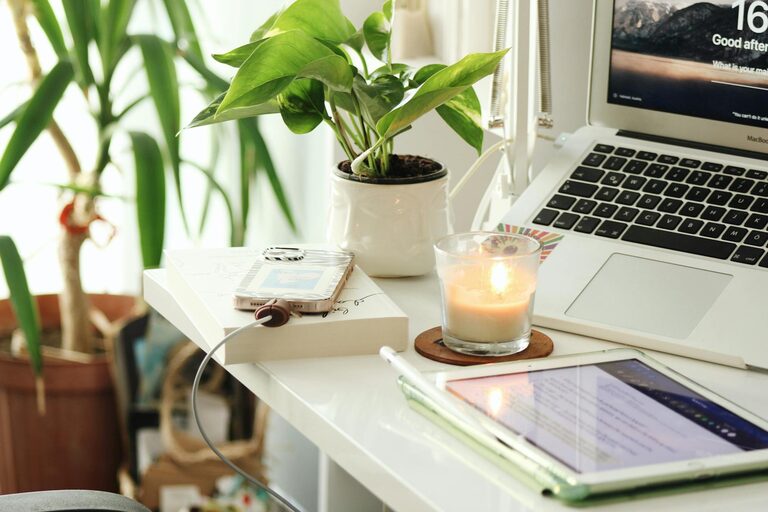
Tips for Creating a Relaxing Home Office Environment to Boost Productivity
Creating a relaxing home office environment is essential for maintaining…