
Creating a productive home office environment can make a significant difference in your workday quality and efficiency. Whether you’re new to remote work or have been working from home for a while, setting up a dedicated, comfortable, and organized workspace helps keep distractions at bay and motivates you to stay focused.
In this post, we’ll explore actionable tips to design a home office that enhances productivity and supports your well-being.
Choose the Right Location
Selecting the right spot for your home office is the first step. Ideally, pick a quiet area with minimal foot traffic and distractions. If possible, set up your workspace in a room with a door you can close to signal to others when you are working.
A corner of a bedroom, a spare room, or even a section of your living area can work well as long as it feels separate from your personal space.
Prioritize Ergonomics
Comfort matters when you spend several hours at your desk. Invest in ergonomic furniture to support good posture and prevent strain.
– Desk and Chair: Use a desk at the correct height and an adjustable chair with good lumbar support.
– Monitor Position: Place your computer screen at eye level to reduce neck and eye strain.
– Keyboard and Mouse: Keep your wrists in a neutral position; consider ergonomic keyboards or mouse designs if needed.
Taking care of your body helps maintain focus and reduces the risk of discomfort or injury.
Optimize Lighting
Good lighting reduces eye strain and helps maintain alertness.
– Natural Light: Position your desk near a window to take advantage of daylight. Natural light can boost mood and energy.
– Artificial Lighting: Use adjustable desk lamps with soft, white light to illuminate your workspace without glare.
– Avoid Screen Glare: Arrange your monitor perpendicular to windows to prevent reflections on your screen.
Balanced lighting supports sustained productivity, especially during long work hours.
Declutter and Organize
A tidy workspace fosters a clear mind. Keep only essential items on your desk and have storage solutions nearby for other supplies.
– Use Shelves and Drawers: Organize documents, books, and gadgets in dedicated storage.
– Cable Management: Use clips or ties to keep cords neat and avoid tangling.
– Daily Cleanup: Spend a few minutes at the end of each day to tidy your area, ensuring a fresh start tomorrow.
An organized office can help reduce distractions and improve efficiency.
Minimize Distractions
Managing distractions is key to staying on task.
– Set Boundaries: Communicate your working hours and space rules to family or housemates.
– Use Noise Control: Employ noise-canceling headphones or background noise apps to block out distractions.
– Turn Off Notifications: Disable non-work-related notifications on your devices during work hours.
Creating an environment that supports focus helps maintain productivity.
Personalize Your Space
Adding personal touches can make your home office feel inviting and motivate you to work.
– Plants: Indoor plants not only improve air quality but also create a calming atmosphere.
– Artwork or Photos: Display items that inspire and uplift your mood.
– Comfort Items: Use cushions, footrests, or blankets to add comfort.
While personalization is beneficial, avoid cluttering your space with too many items.
Establish a Routine
Even the best workspace is more effective when paired with consistent work habits.
– Set Specific Work Hours: Define start and end times to separate work life from personal time.
– Take Regular Breaks: Use techniques like the Pomodoro method to balance focused work with rest.
– Organize Your Day: Plan tasks ahead and prioritize activities to maintain momentum.
A routine enhances discipline and helps you make the most of your productive environment.
Utilize Technology Wisely
The right tech tools can streamline your workflow.
– Reliable Internet: Ensure you have a strong and stable internet connection to avoid interruptions.
– Productivity Apps: Use calendars, project management tools, or time trackers to stay organized.
– Backup Solutions: Regularly back up your work to avoid data loss.
Technology should support your work, not distract from it.
Keep Physical and Mental Health in Mind
A productive workspace also considers your health.
– Move Regularly: Stand, stretch, or take short walks to reduce sedentary fatigue.
– Stay Hydrated and Snack Smart: Keep water and healthy snacks near to maintain energy.
– Create a Relaxation Space: If possible, have a spot nearby where you can step away for short breaks.
Taking care of your body and mind contributes to sustained productivity.
—
By thoughtfully designing your home office following these guidelines, you can create a space that boosts your focus, comfort, and efficiency. Remember that your home office should fit your personal needs and preferences, so feel free to adjust these tips until you find what works best for you. Happy working!
Related Posts
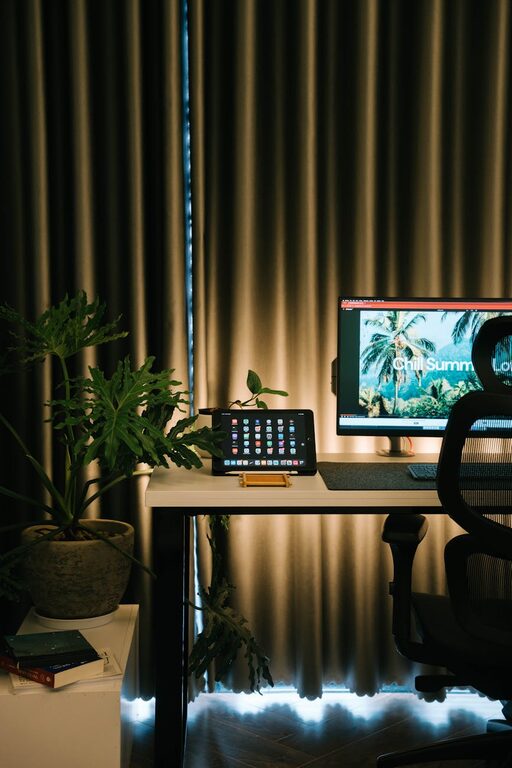
Tips for Creating a Cozy and Productive Home Office Space
Creating a home office that is both cozy and productive…
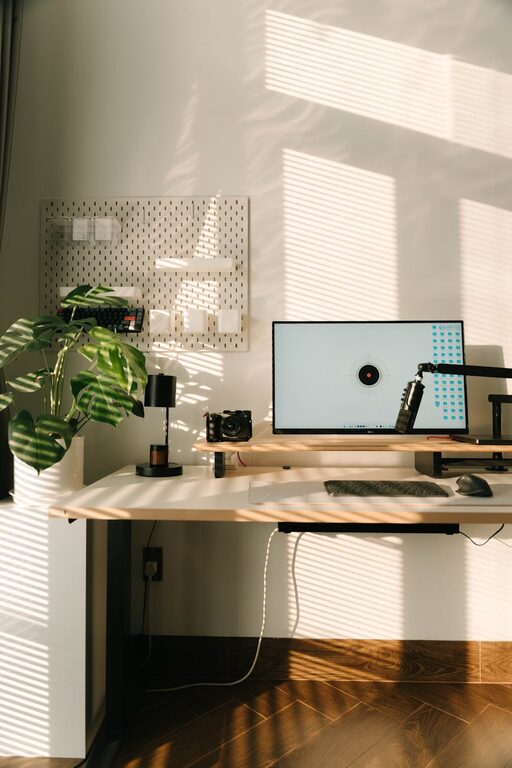
Tips for Creating a Relaxing Home Workspace to Boost Productivity
Creating a home workspace that feels calming and welcoming can…
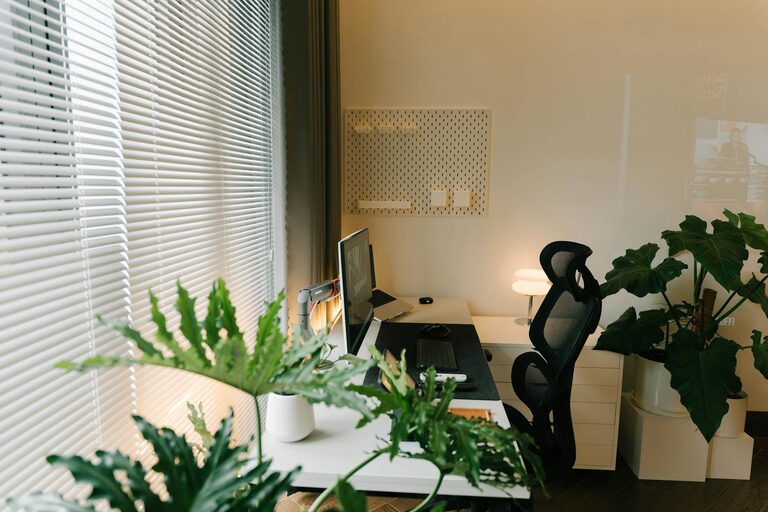
Tips for Creating an Organized and Efficient Home Workspace
Creating an organized and efficient home workspace is essential for…