
Creating a relaxing home workspace is essential for maintaining comfort and productivity, especially as many people spend more time working from home. A well-designed workspace not only helps you focus but also reduces stress and boosts your overall well-being. In this post, we’ll share practical tips to help you transform your home office into a calm and efficient environment.
Why a Relaxing Workspace Matters
A cluttered or uncomfortable workspace can make it harder to concentrate and increase feelings of fatigue. On the other hand, a space that feels inviting and organized promotes motivation and creativity. Making your home workspace relaxing doesn’t mean sacrificing functionality—in fact, both can go hand-in-hand.
Choose the Right Location
Select a Quiet Spot
Pick a part of your home that is quiet and has minimal distractions. It could be a spare room, a corner in your living room, or even a nook near a window. The goal is to have a dedicated spot for work that signals your brain it’s time to focus.
Consider Natural Light
Natural light can improve mood and energy levels. Position your desk near a window if possible. If natural light is limited, invest in good quality task lighting or daylight bulbs to keep your space bright without harsh glare.
Invest in Comfortable Furniture
Ergonomic Chair
Your chair plays a crucial role in comfort. Choose one with good lumbar support and adjustable height to maintain healthy posture during long work sessions.
Functional Desk
Select a desk that suits your work style. Whether you prefer sitting or standing, make sure it’s spacious enough for your equipment and allows freedom of movement.
Organize for Clarity and Ease
Declutter Regularly
Keep your workspace free from unnecessary items. A tidy environment helps clear your mind and makes it easier to focus on tasks.
Use Storage Solutions
Incorporate shelves, drawers, or organizers to store office supplies neatly. Labeling can also save time when searching for materials.
Add Personal Touches
Soothing Colors
Choose calming color tones like soft blues, greens, or neutrals. These shades can create a peaceful atmosphere conducive to work.
Plants and Greenery
Indoor plants not only beautify the space but also improve air quality and provide a sense of calm.
Photos and Art
Include a few personal items such as photos or artwork that inspire you, but avoid overloading your space to prevent distraction.
Reduce Noise and Distractions
Use Noise-Canceling Tools
If you’re in a noisy environment, consider noise-cancelling headphones or a white noise machine to minimize interruptions.
Manage Digital Distractions
Turn off unnecessary notifications and use apps that block distracting websites during work hours.
Incorporate Movement and Breaks
Stretching Area
Designate a small space for stretching or light exercise breaks. This helps reduce physical tension and refreshes your mind.
Timed Breaks
Use techniques like the Pomodoro method—work for 25 minutes, then take a 5-minute break—to maintain focus without burnout.
Maintain Good Air Quality and Temperature
Ventilation
Keep your workspace well-ventilated to ensure fresh air. Opening windows or using fans can help.
Comfortable Temperature
Set the room temperature to a comfortable level, as being too hot or cold can reduce productivity.
Use Technology Wisely
Proper Equipment
Ensure you have reliable internet, a good-quality monitor, and any tools necessary for your work. Investing in these upfront saves frustration later.
Cable Management
Use cable organizers to avoid tangled cords, keeping your desk neat and safe.
Final Thoughts
Creating a relaxing home workspace is about balancing comfort and efficiency. By paying attention to lighting, furniture, organization, and personal touches, you can build an environment that supports your work goals and well-being. Take the time to customize your space—you’ll find that a comfortable and inviting workspace can make your workdays more enjoyable and productive.
Related Posts
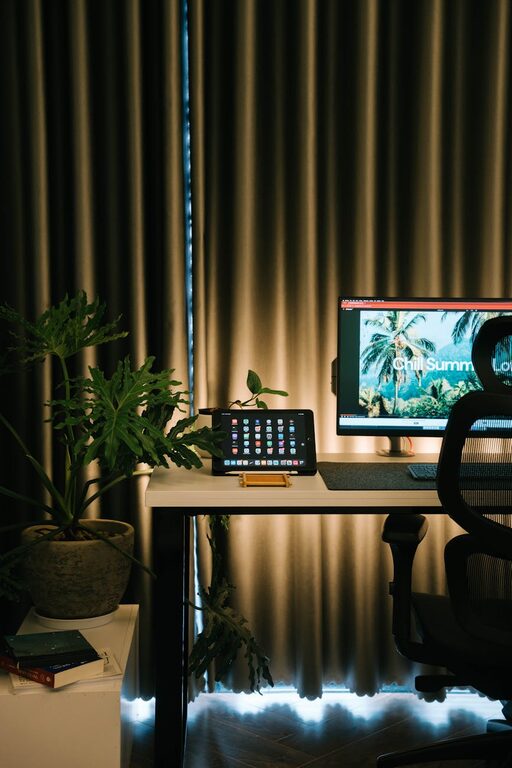
Tips for Creating a Cozy and Productive Home Office Space
Creating a home office that is both cozy and productive…
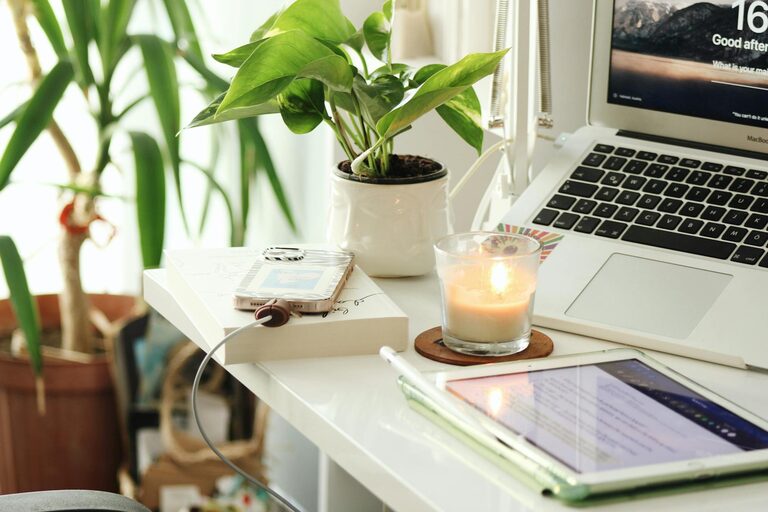
Tips for Creating a Relaxing Home Office Environment to Boost Productivity
Creating a relaxing home office environment is essential for maintaining…
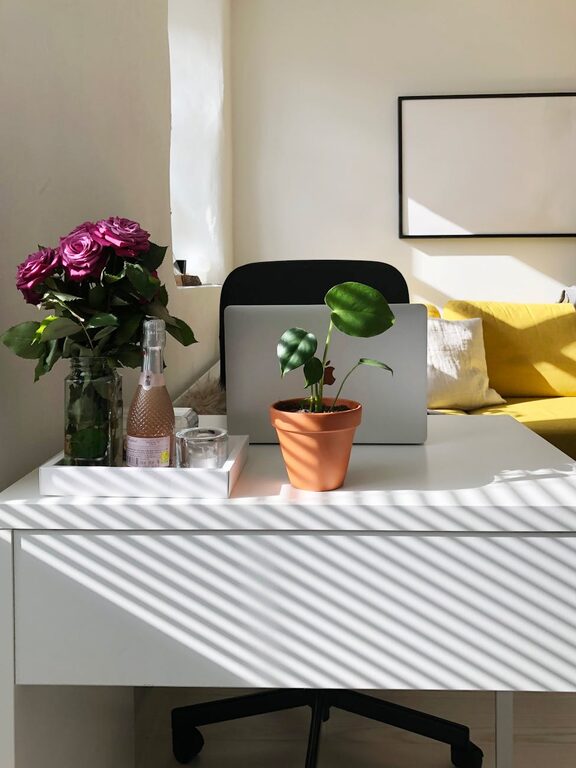
Tips for Creating a Cozy and Functional Home Office Space
Creating a cozy and functional home office space is essential…